
vMix 30: Powerful Live Video Production and Streaming Software
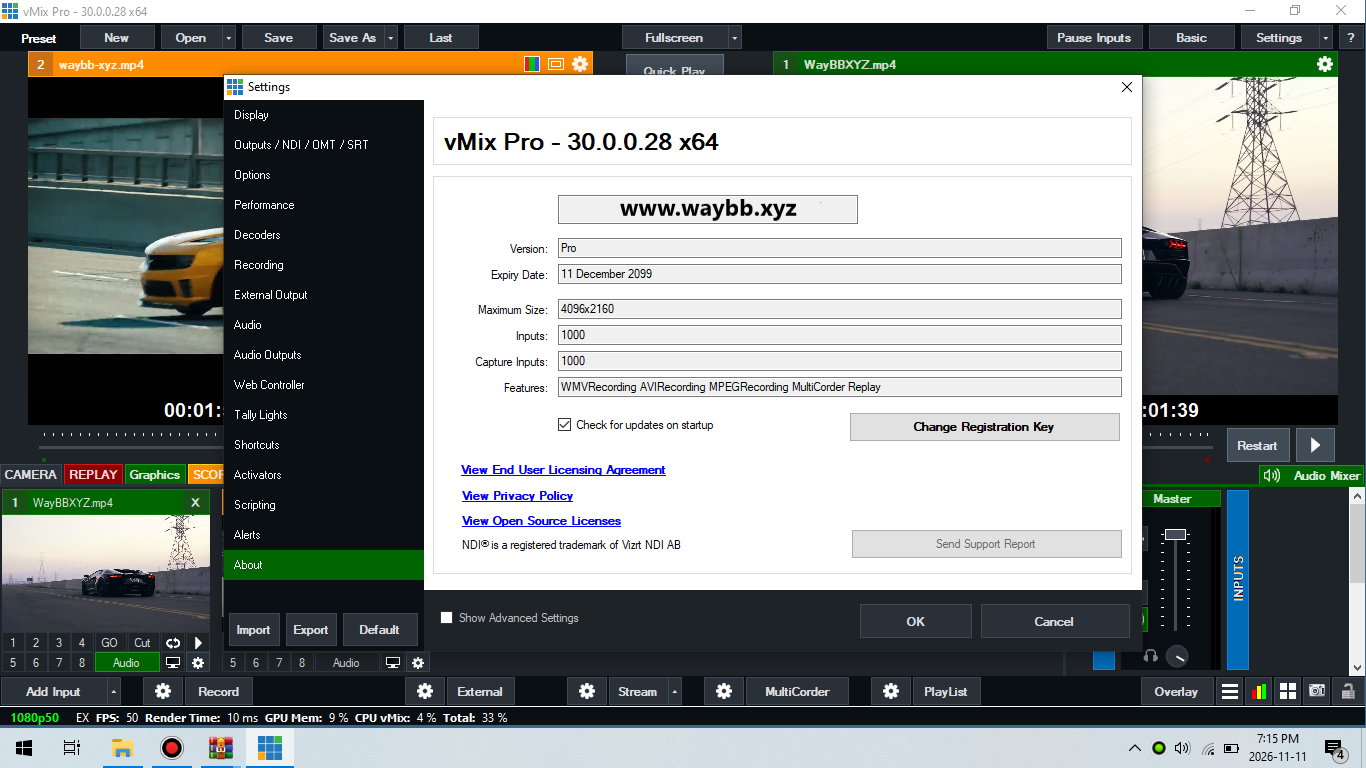
Introduction to vMix 30.0.0.28
The world of live video production continues to evolve, and vMix 30 brings exciting improvements for broadcasters, content creators, production companies, and streaming professionals. Designed for Windows computers, vMix is a powerful live video production and streaming software that combines video switching, recording, audio mixing, graphics, and live streaming in one professional platform.
With its latest generation of features, vMix 30 focuses on improving production workflows, enhancing audio quality, expanding replay capabilities, and providing greater flexibility for professional broadcasting. Whether you produce live sports, television programs, online events, interviews, or corporate presentations, vMix 30 offers advanced tools to help create professional-quality productions.
What Is vMix 30 Software?
vMix 30 is an advanced live video production solution that allows users to manage multiple video sources and create professional broadcasts from a single computer. It supports cameras, video files, images, NDI sources, SRT streams, video calls, virtual sets, and customizable graphics.
The software provides a complete production environment where operators can switch between different inputs, add transitions, manage audio, display professional titles, and stream content to online platforms.
Its improved production tools make vMix 30 an interesting option for broadcasters who need greater control and flexibility during live productions.
Key Features of vMix 30
1. Improved Audio Management
Audio quality plays an important role in professional broadcasting. vMix 30 introduces a new Noise Suppression effect for inputs and audio buses. It also supports NVIDIA Audio Effects Denoiser and Dereverb on compatible RTX graphics cards.
Additional improvements include post-master-fader headphone monitoring and dynamic peak indicators in audio meters, helping operators monitor sound levels more effectively.
2. Advanced Instant Replay System
Sports broadcasters and live event producers can benefit from the enhanced replay system. vMix 30 increases supported replay cameras from 8 to 16, providing more flexibility when covering complex sporting events.
Users can also import different video clips into spare replay camera channels. Improved replay shortcuts and API options help operators manage events and control playback more efficiently.
3. Professional Graphics and Titles
Graphics and titles help make broadcasts look more professional. vMix 30 improves its GT Title tools with text letter spacing, high-quality masking, inverted masks, and an eyedropper color selection tool.
Users can also copy properties between objects and change multiple object settings simultaneously, making graphics customization faster and easier.
4. More Video Outputs
One of the important improvements in vMix 30 is the expansion of supported outputs from four to eight in the 4K, Pro, and Max editions.
This provides additional flexibility for advanced production environments that require multiple independent video feeds. However, achieving good performance requires compatible, high-performance hardware.
5. Enhanced SRT Streaming
vMix 30 improves its SRT capabilities with updated SRT support, custom input aspect ratios, and the ability to stream through an SRT URL directly from the Streaming window.
These improvements provide additional options for professional broadcasters who need reliable video contribution and streaming workflows.
6. Built-In PowerPoint Support
Another useful improvement is built-in PowerPoint slideshow importing without requiring Microsoft PowerPoint to be installed.
The new Presenter Mode also allows users to preview slides before displaying them live, making presentations easier to manage during conferences, meetings, and online events.
7. Advanced Multiview and Overlay Tools
vMix 30 introduces additional Multiview layouts supporting 10, 12, and 24 inputs. Its improved overlay designer also provides better control over picture-in-picture positioning, shapes, effects, and alpha masks.
These tools help production teams create more engaging and visually organized broadcasts.
Benefits of Using vMix 30
- Professional live video switching and mixing.
- Improved audio noise suppression.
- Support for up to 16 replay cameras.
- Advanced graphics and customizable titles.
- Expanded video output capabilities.
- Flexible SRT streaming options.
- Built-in PowerPoint slideshow importing.
- Improved Multiview layouts.
- Enhanced production automation and API controls.
- Support for modern video formats, including AV1 playback.
Who Should Use vMix 30?
vMix 30 is suitable for television broadcasters, sports production teams, churches, educational institutions, event organizers, online content creators, and professional streaming studios.
Its combination of video switching, audio management, replay, graphics, and streaming tools makes it useful for both small production teams and advanced broadcast environments.
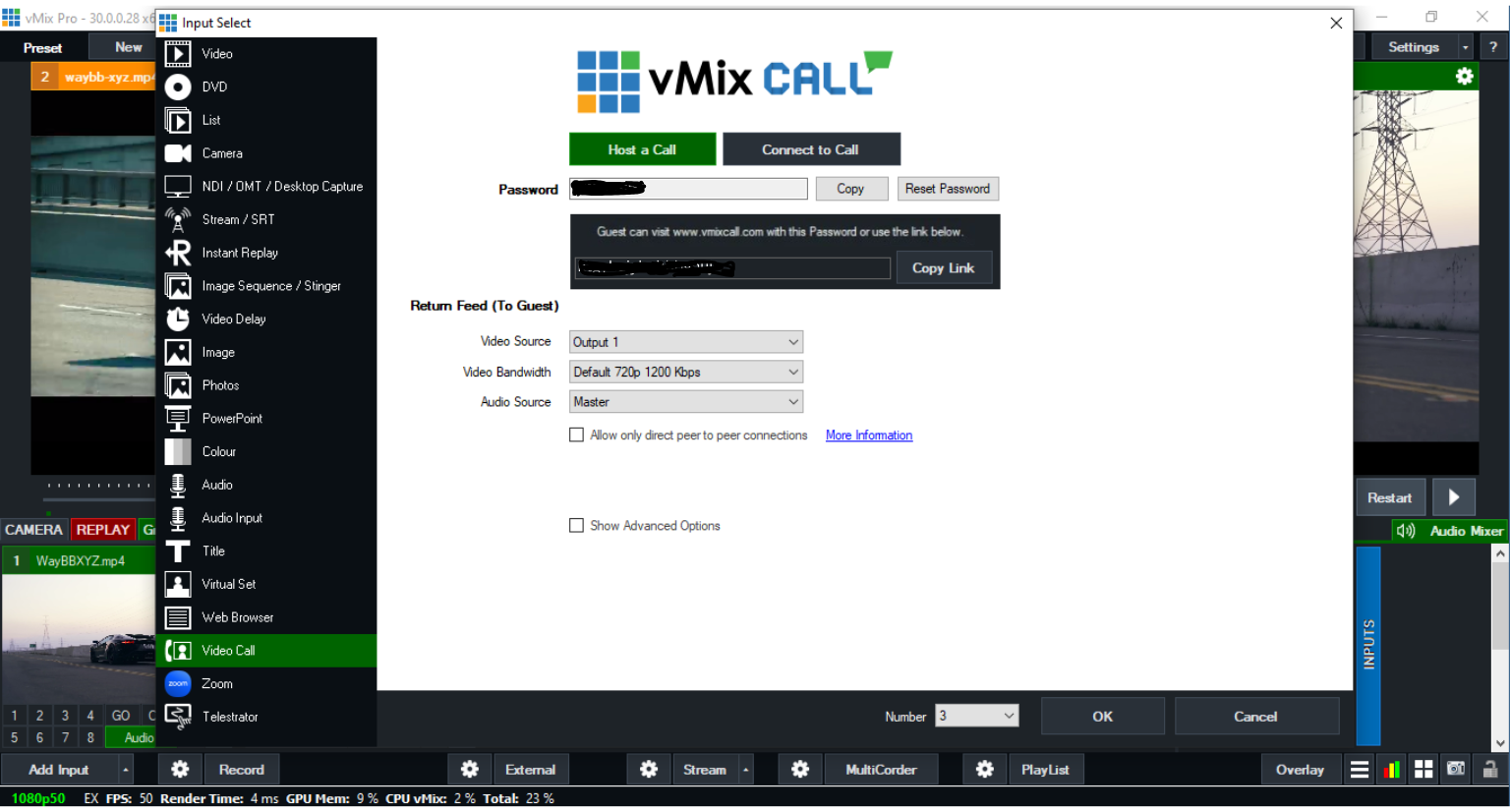
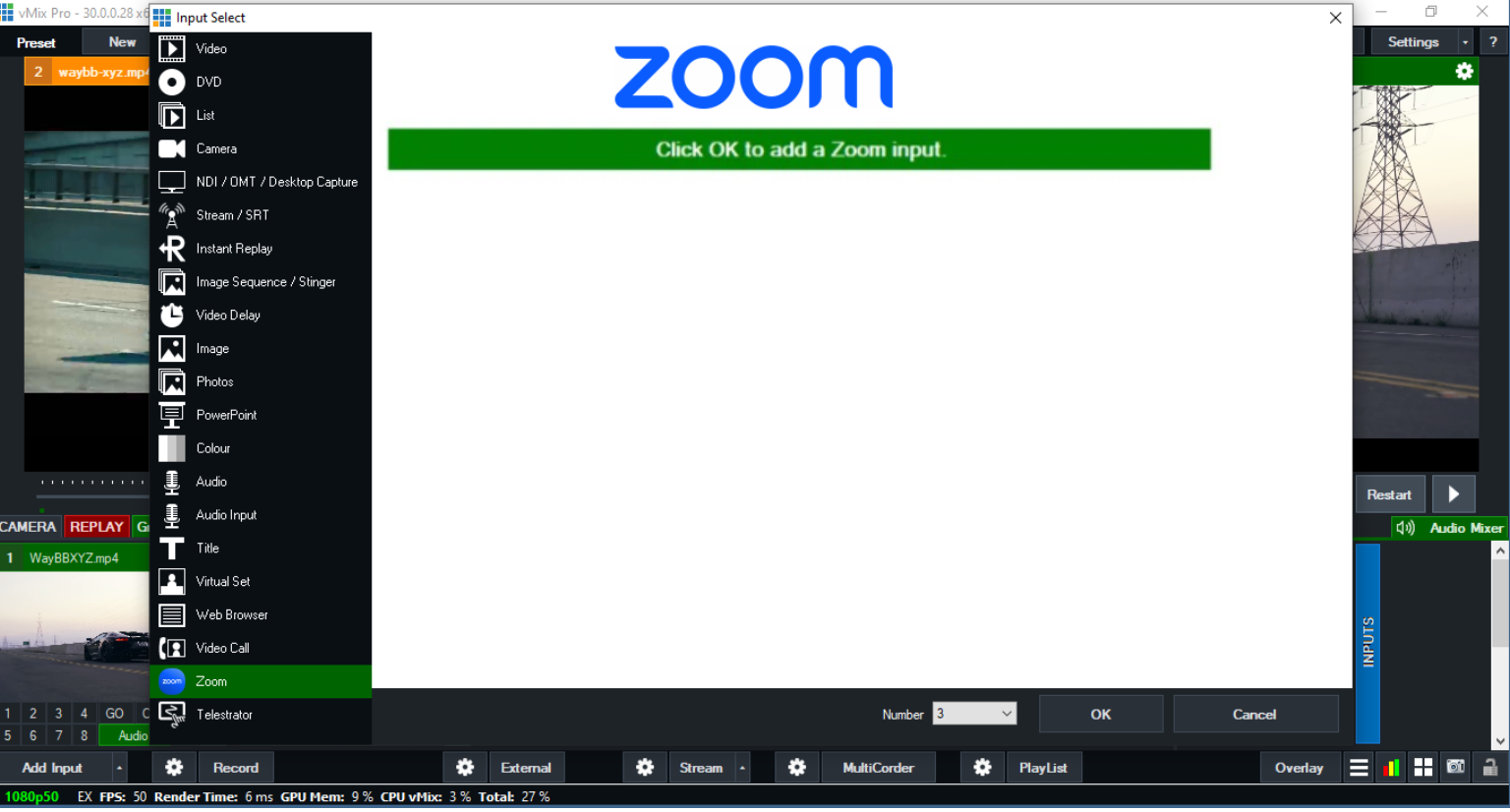
vMixCall and Zoom Live streaming
vMixcall and zoom not incliding on just vMix Pro 30.x
Conclusion
vMix 30 represents an exciting step forward in live video production software. With improved audio tools, expanded replay camera support, additional video outputs, enhanced graphics, and flexible SRT streaming, it offers valuable improvements for modern broadcasting workflows.
For professionals looking to improve their live production capabilities, vMix 30 is a software release worth exploring. Its combination of powerful features and flexible production controls makes it a strong solution for creating professional live streams, sports broadcasts, presentations, and television productions.
Note: vMix 30 is currently available as a preview/beta release. It may contain bugs and is not recommended for critical live productions until a stable release becomes available.